3 spots open this month
We Design Products
Products
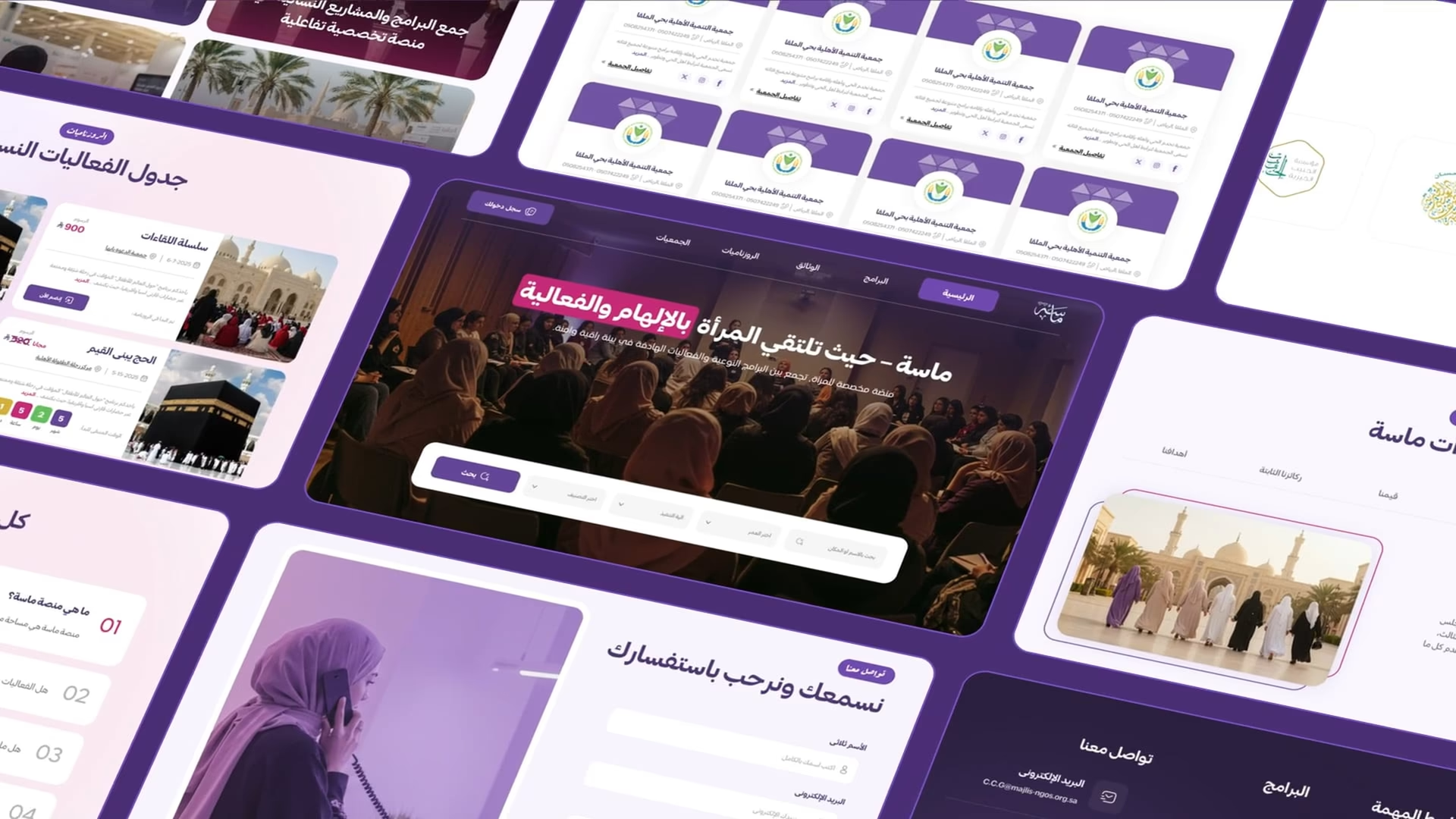
Tanseeq is a specialized platform for integrated UI/UX design, visual identity, and building digital products.
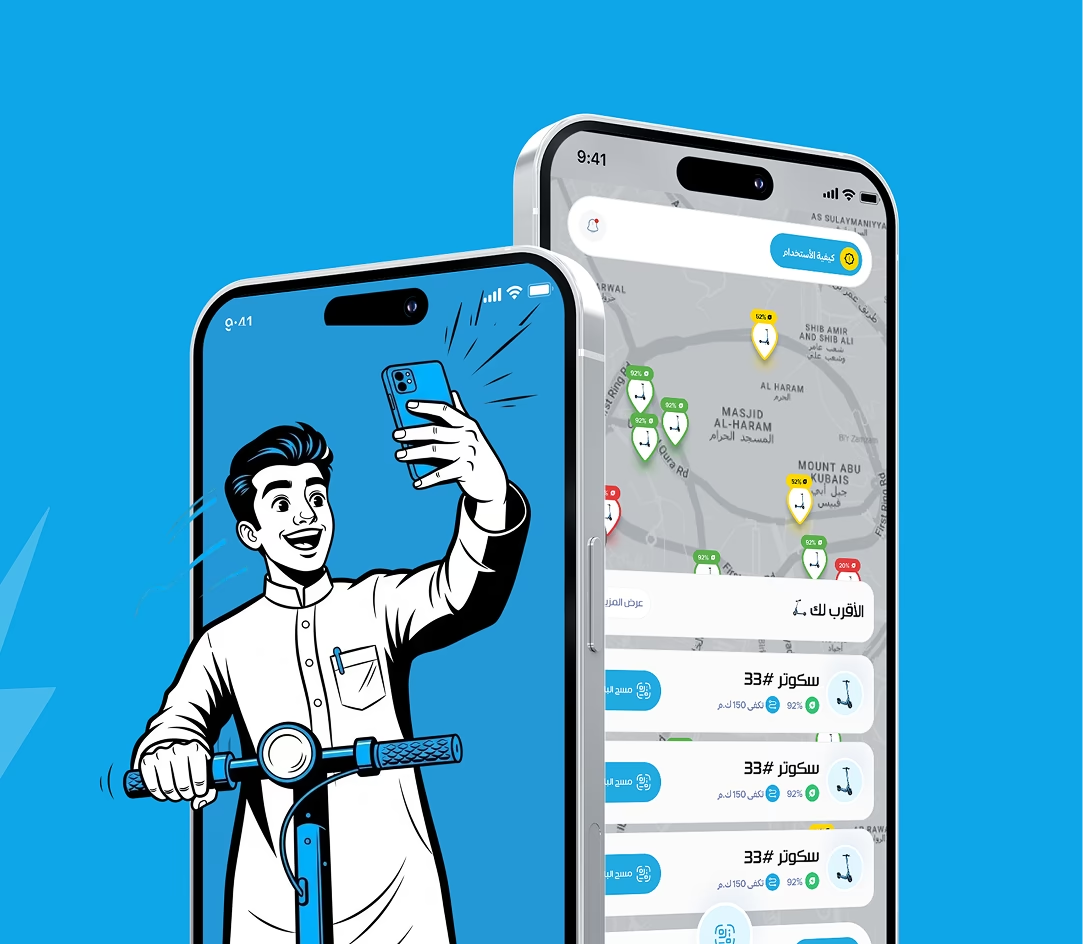
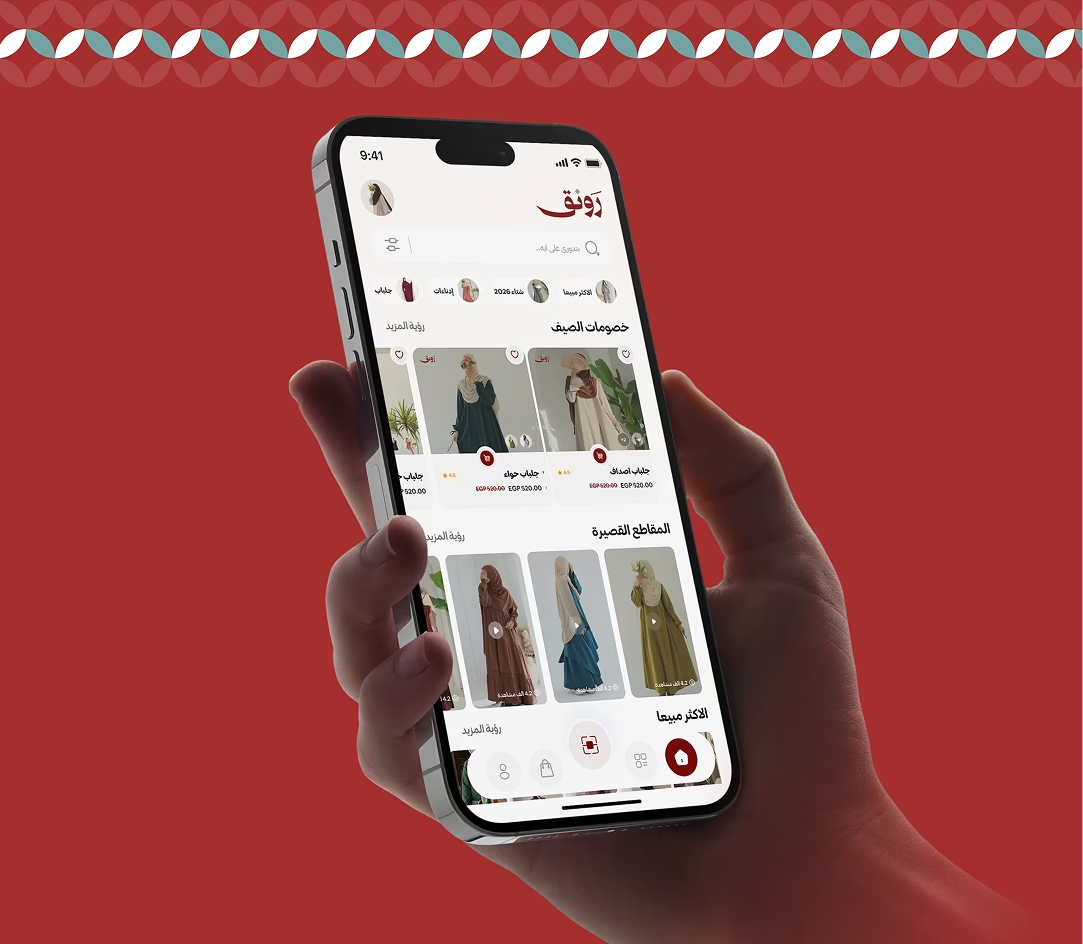

Tanseeq is a specialized platform for integrated UI/UX design, visual identity, and building digital products.





Building agile expertise that fits any market & audience.
Over 5 years of hands-on experience in digital and visual identity design, focusing on quality.
We delivered 75+ projects across graphic design and user experience.


Working with global clients granted us deep insight into diverse markets.

Clear time, cost, and workflow. No surprises.

Reviewing & refining for absolute peak output.

We treat your project as if it were our own.

Keeping you fully updated on every single move.

Fine order ensures smooth flow and smart results.

Clear time, cost, and workflow. No surprises.

Reviewing & refining for absolute peak output.

We treat your project as if it were our own.

Keeping you fully updated on every single move.

Fine order ensures smooth flow and smart results.
We turn ideas into vibrant digital experiences, with interfaces merging ease of use and global design standards to ensure retention.
We build responsive sites reflecting brand identity and goals, with smooth browsing and stable performance across all devices.
We build visual systems turning data into decisions, through precise analytical interfaces that support performance and management.
We design identity systems expressing brand essence, ensuring consistent presence across every single touchpoint.
We create professional visual content enhancing digital presence, supporting growth and engagement strategies thoughtfully.
We become part of your team to support projects quickly.

When your internal team's workload spikes, we take on tasks and deliver rapidly.
Ready-to-use designs built with the latest design tools and AI technology.
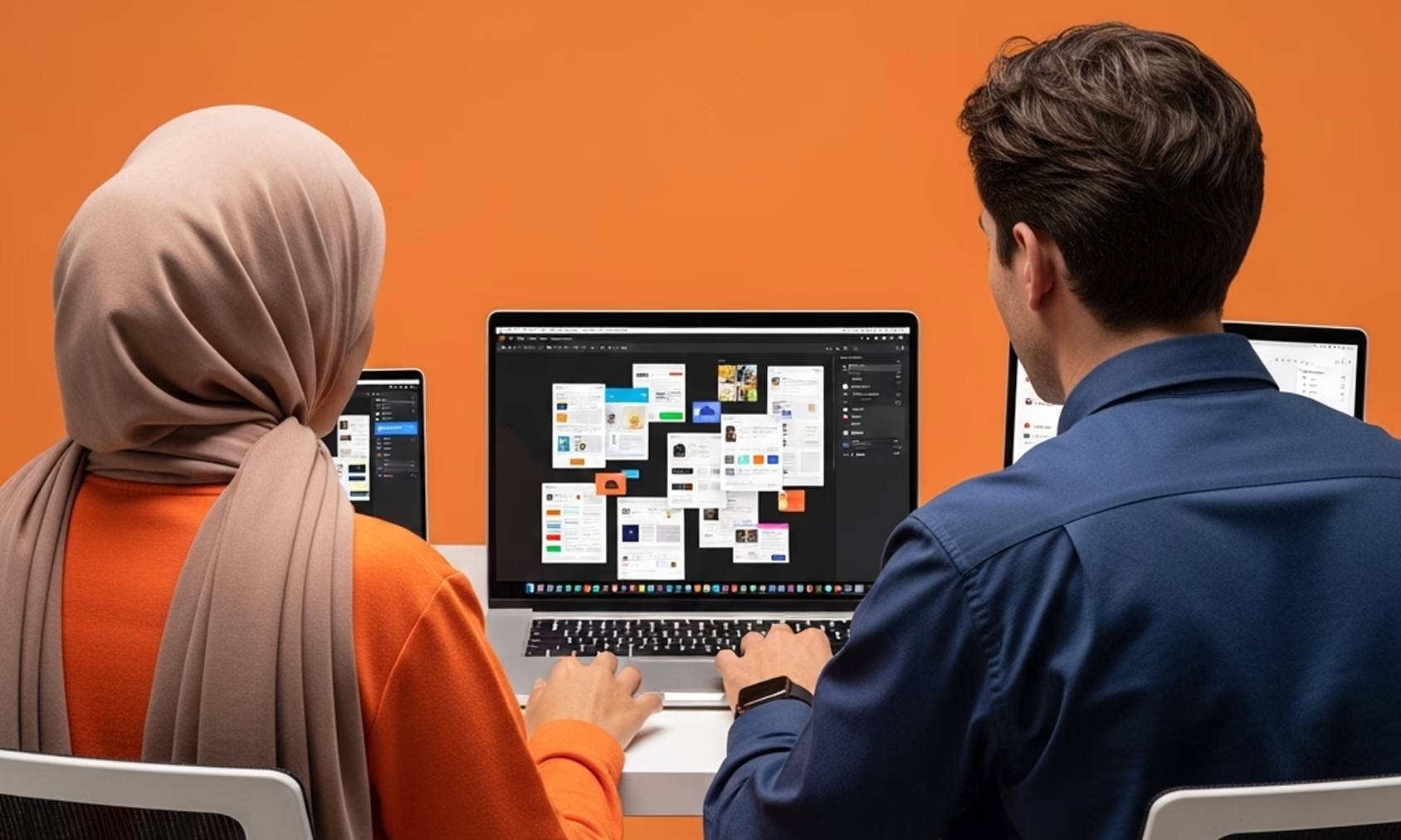
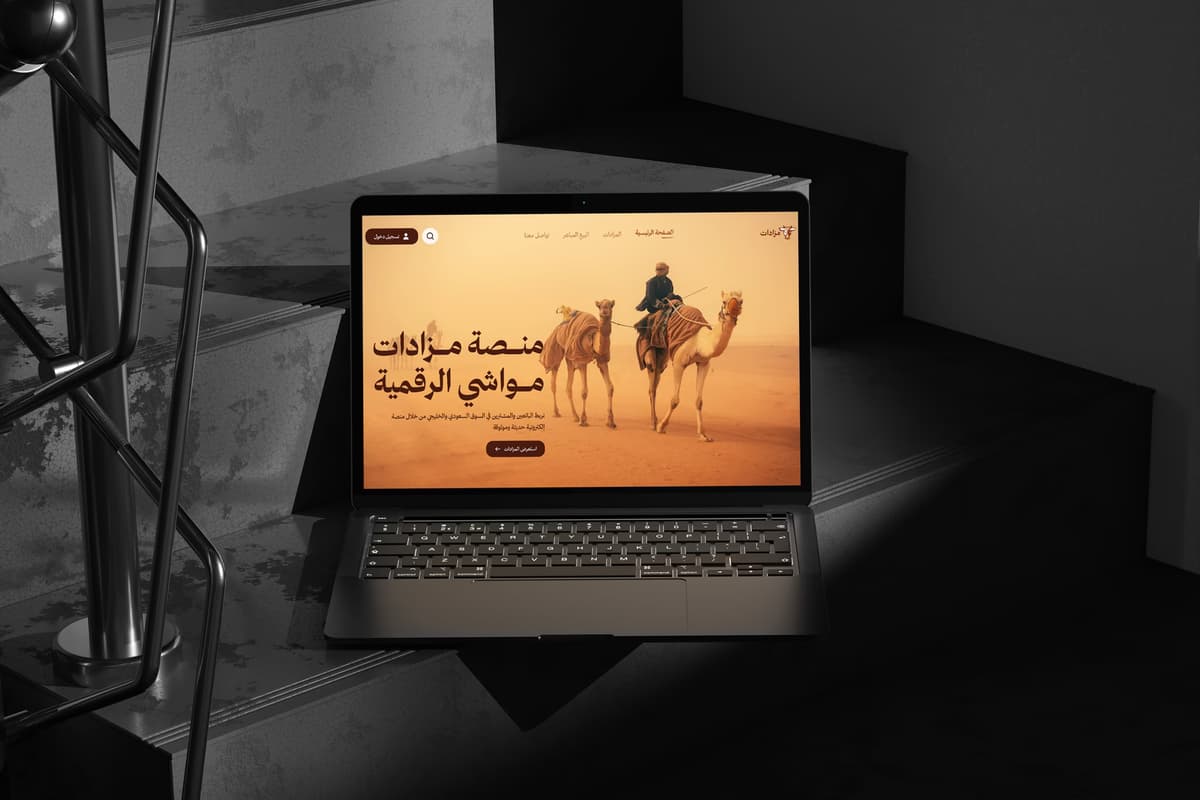
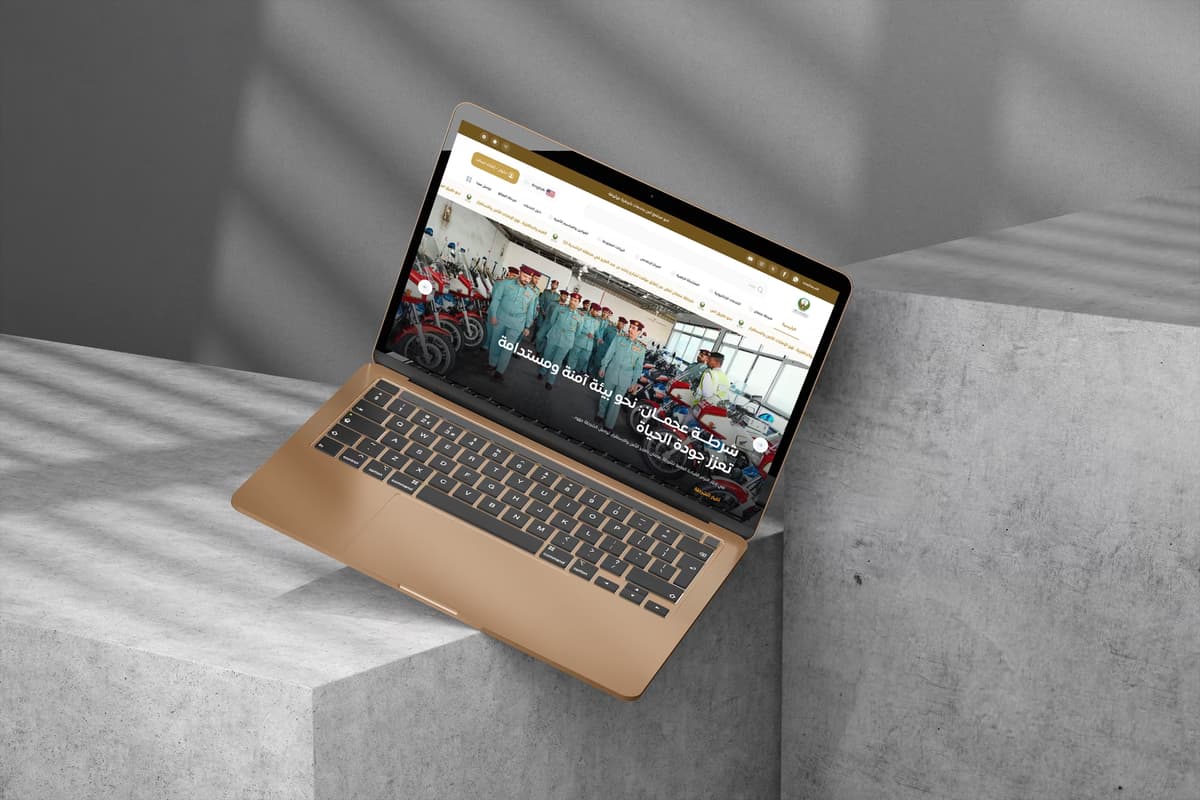
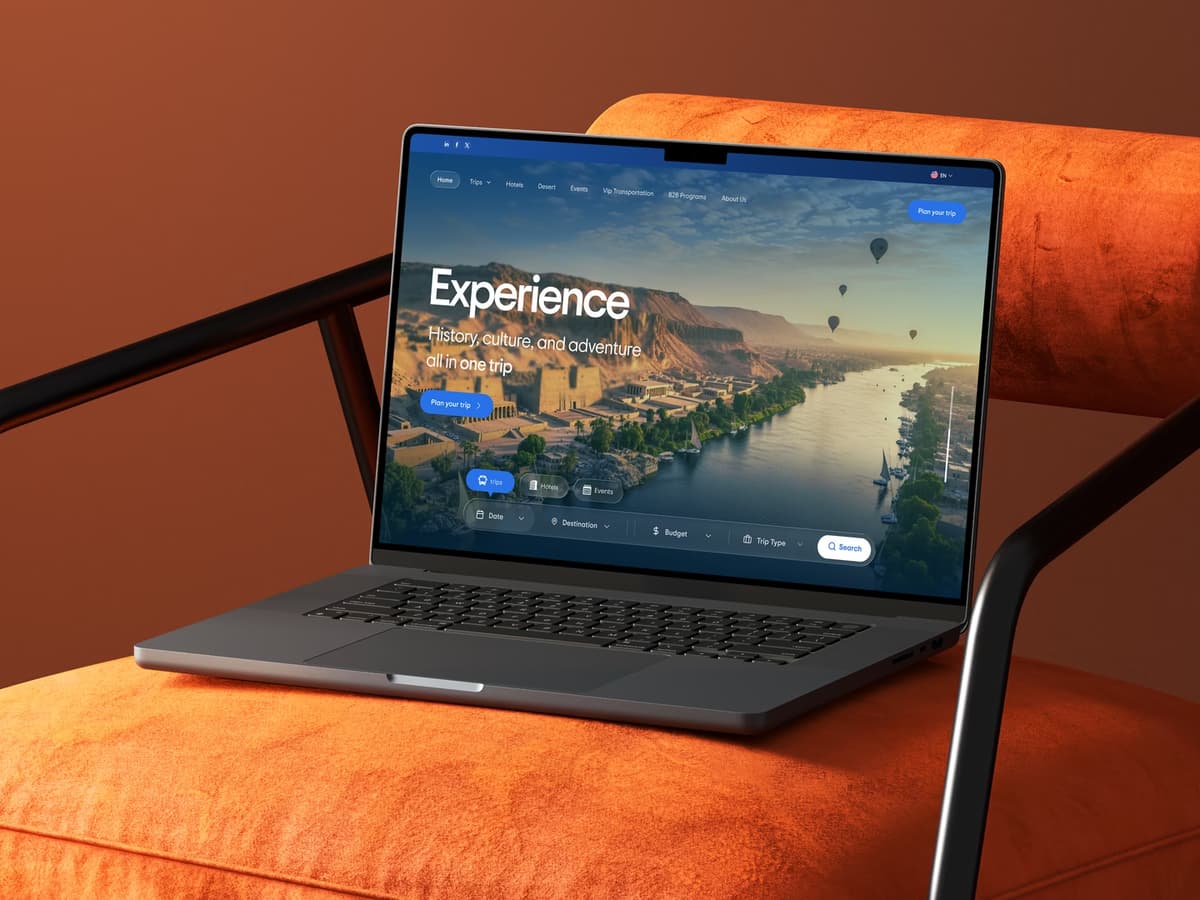
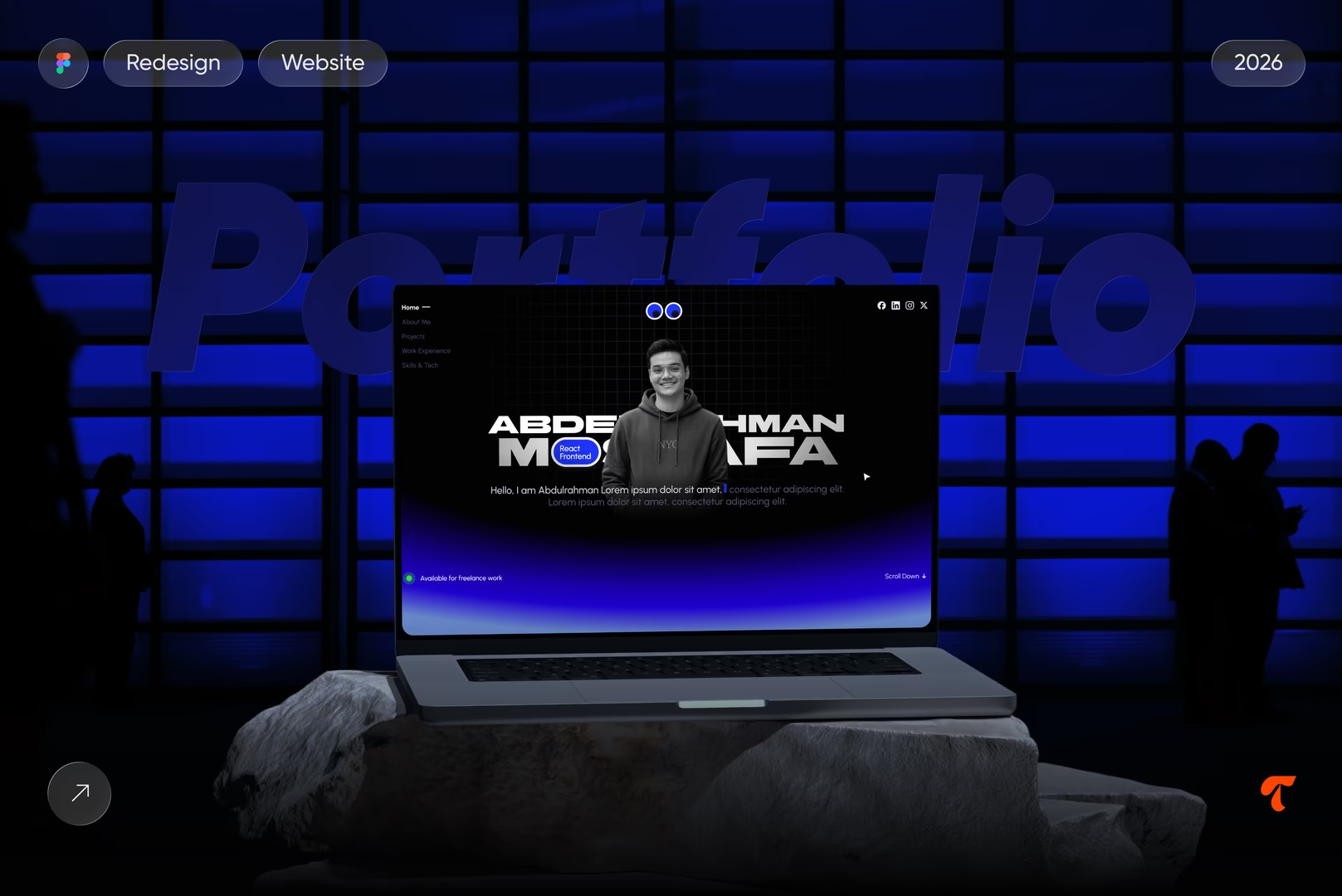
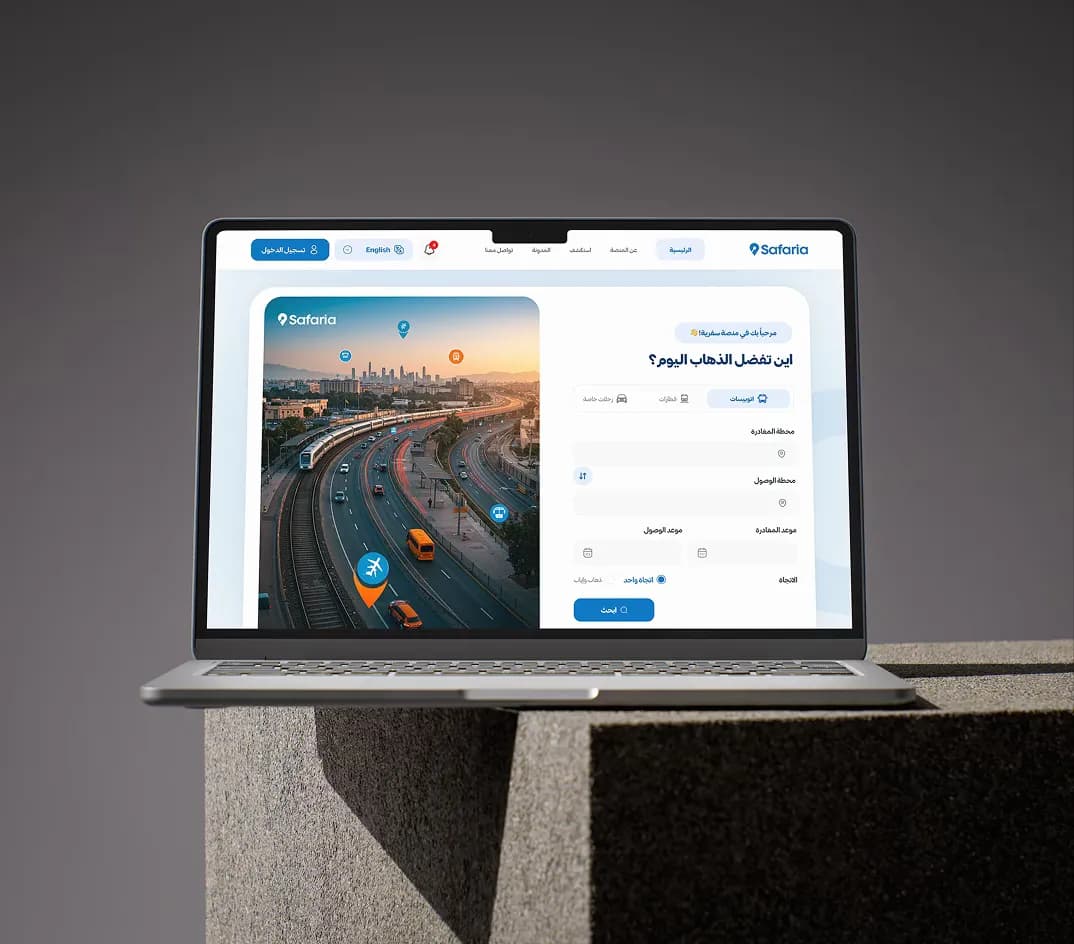
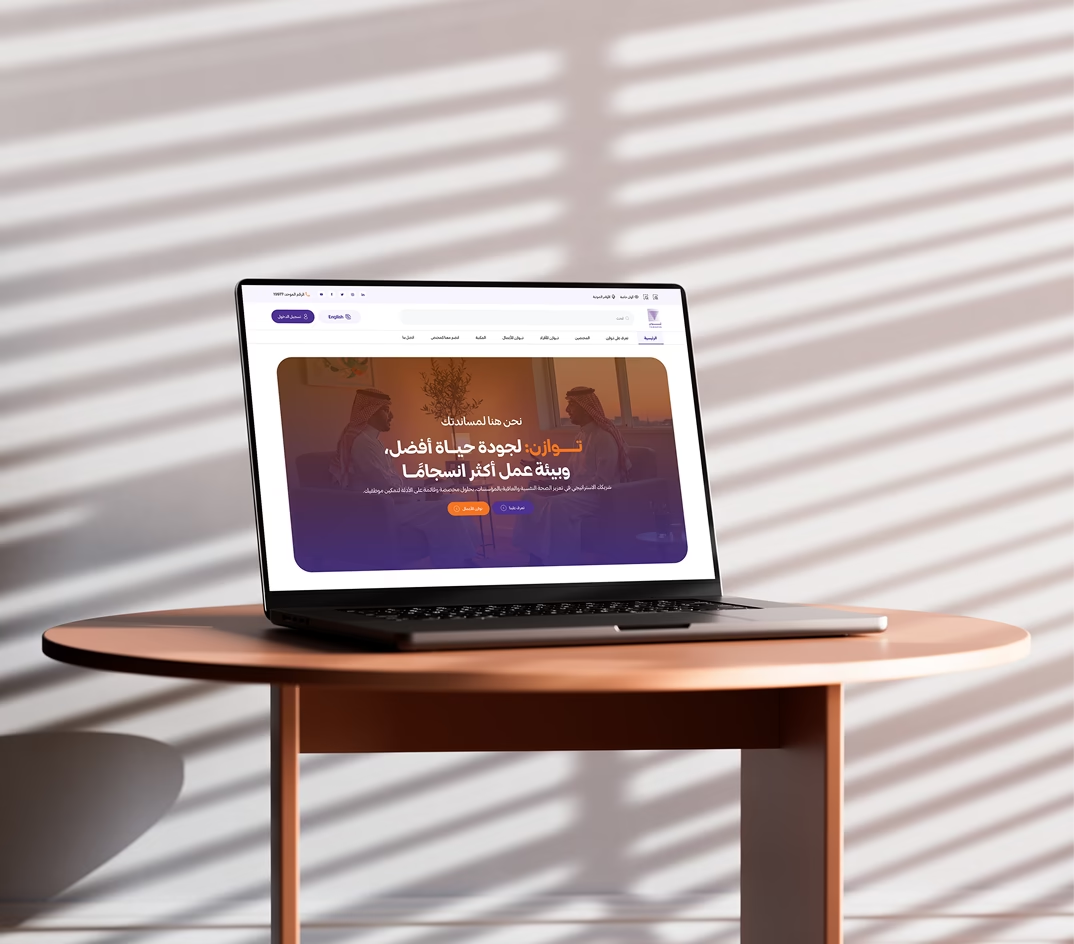
Modern website designs reflecting your brand identity with a smooth and engaging user experience.
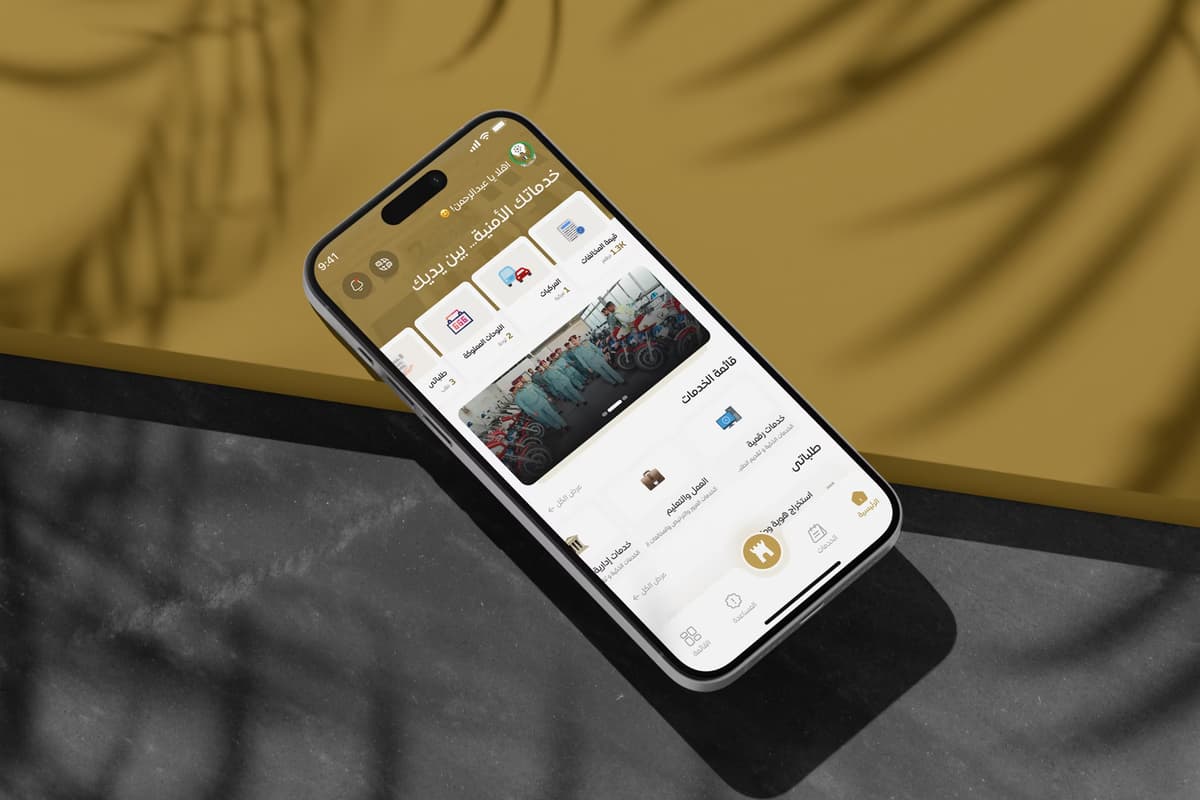
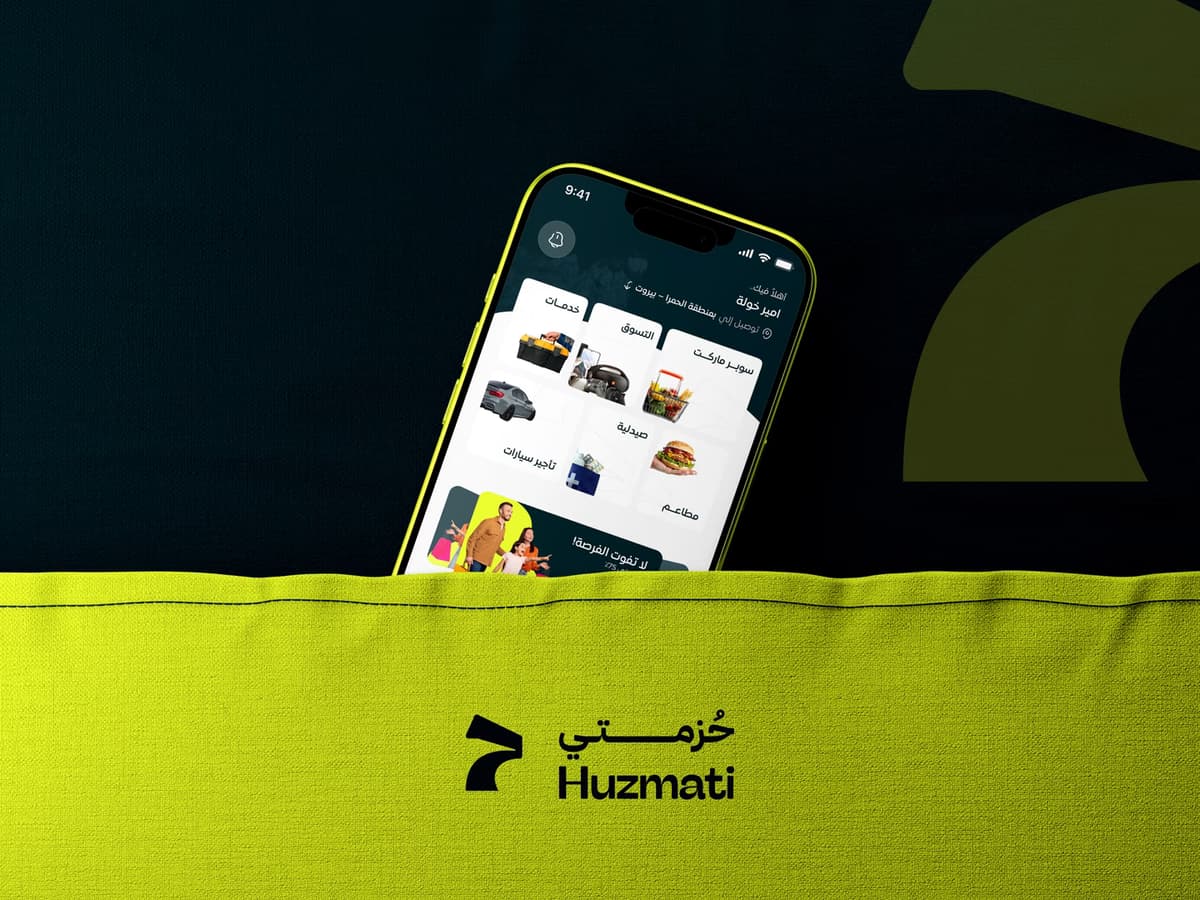
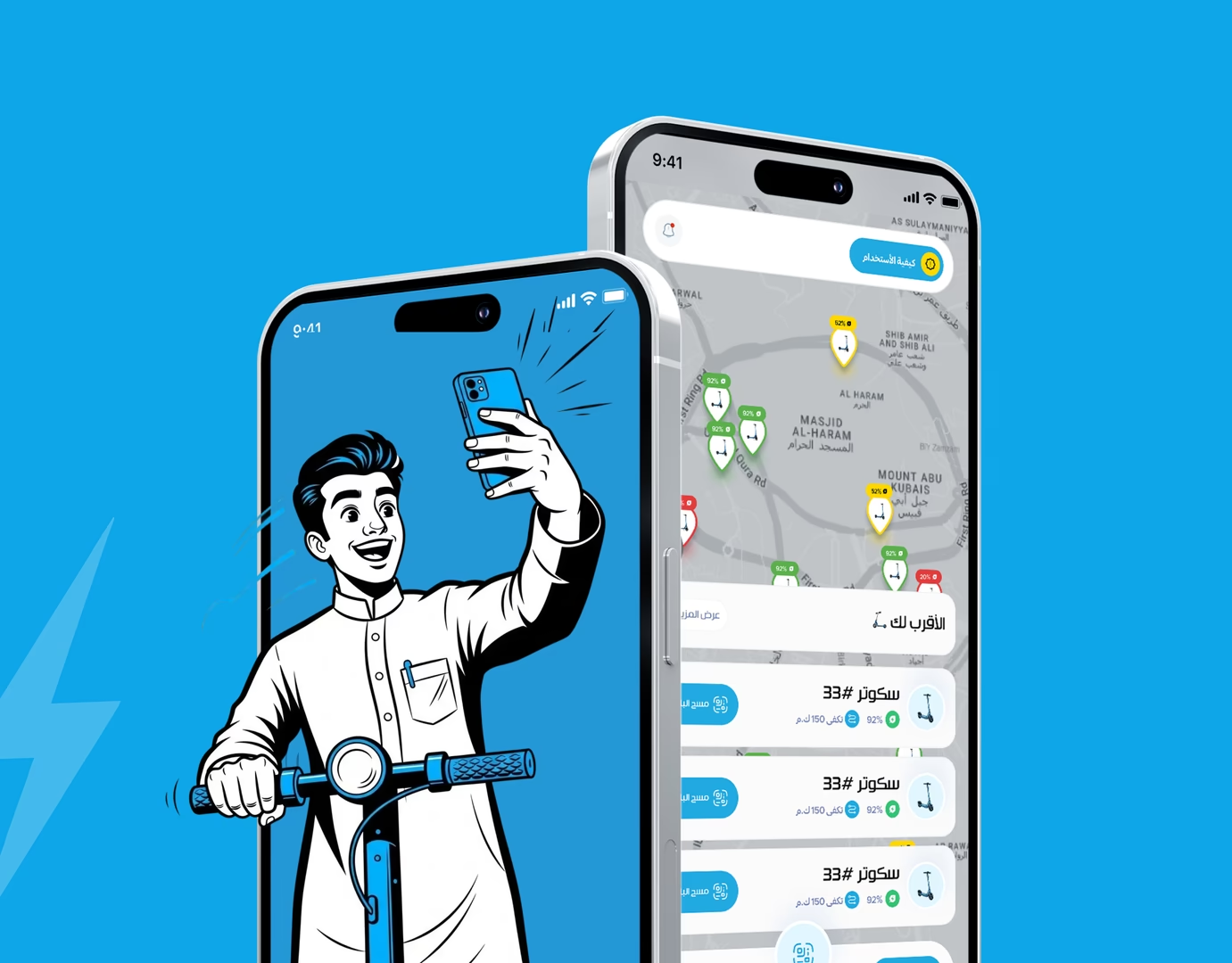
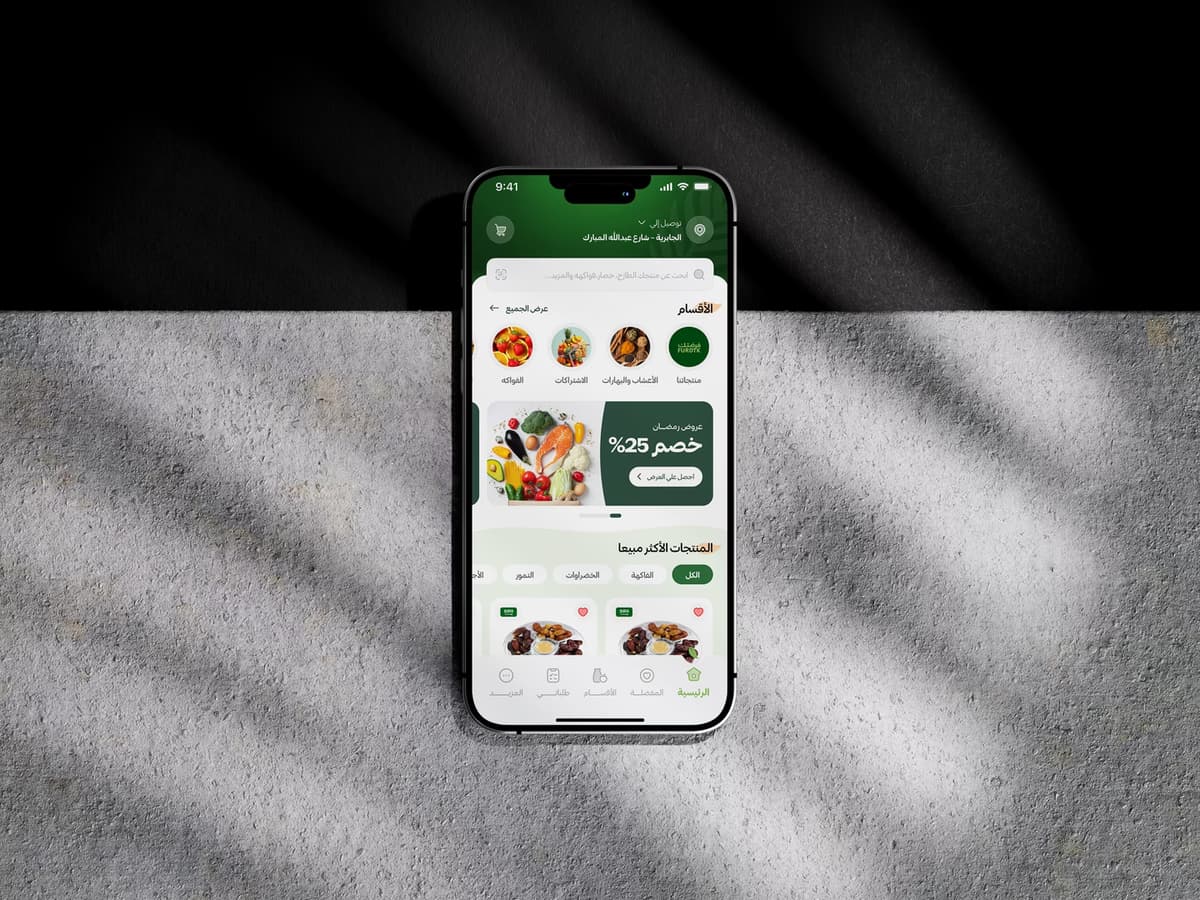
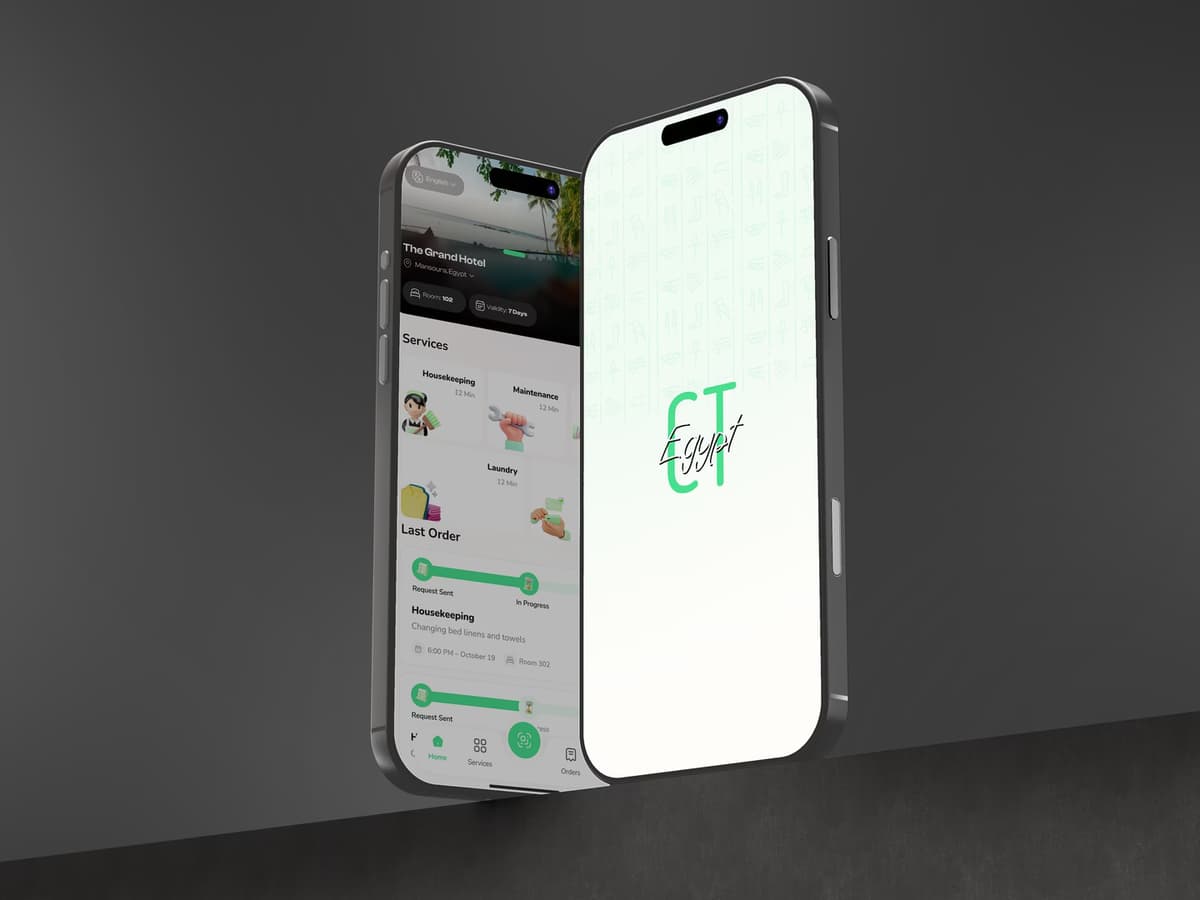
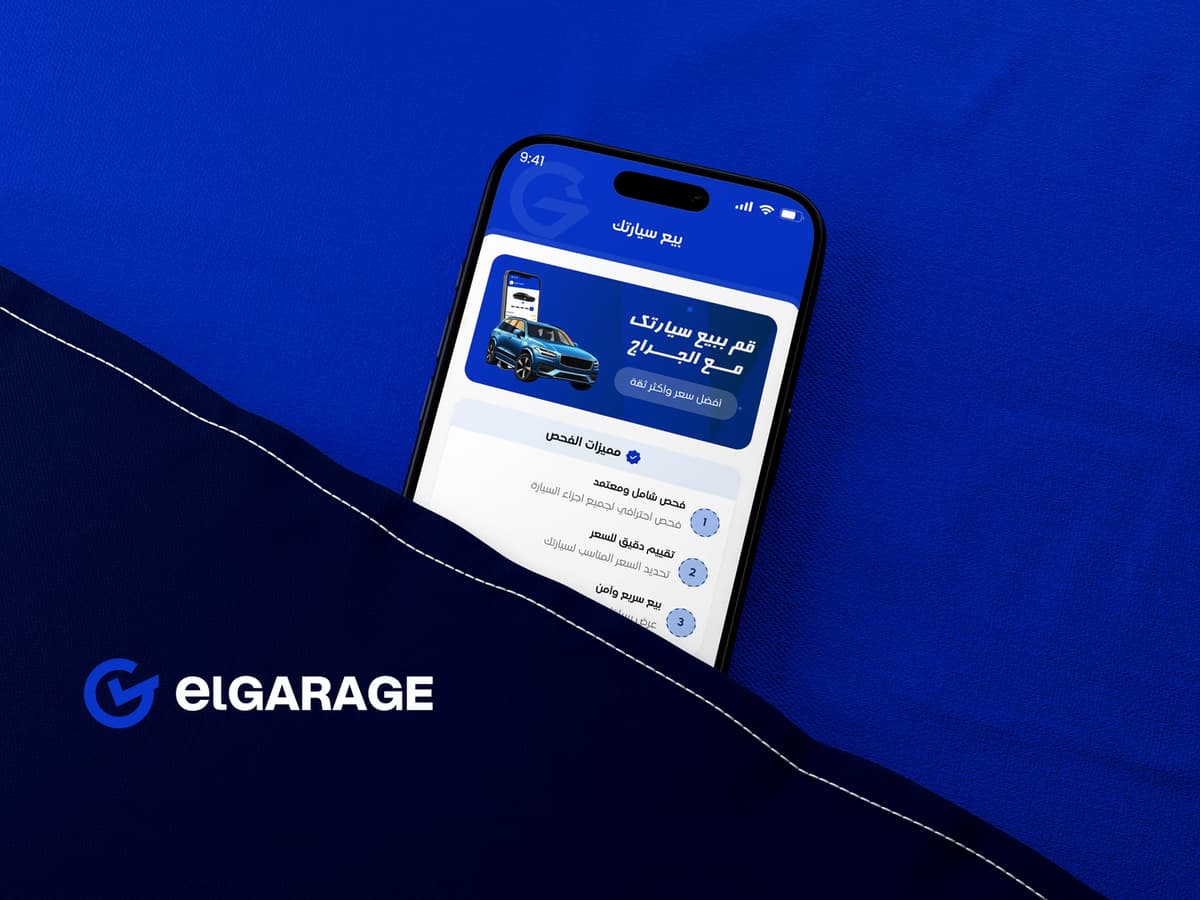
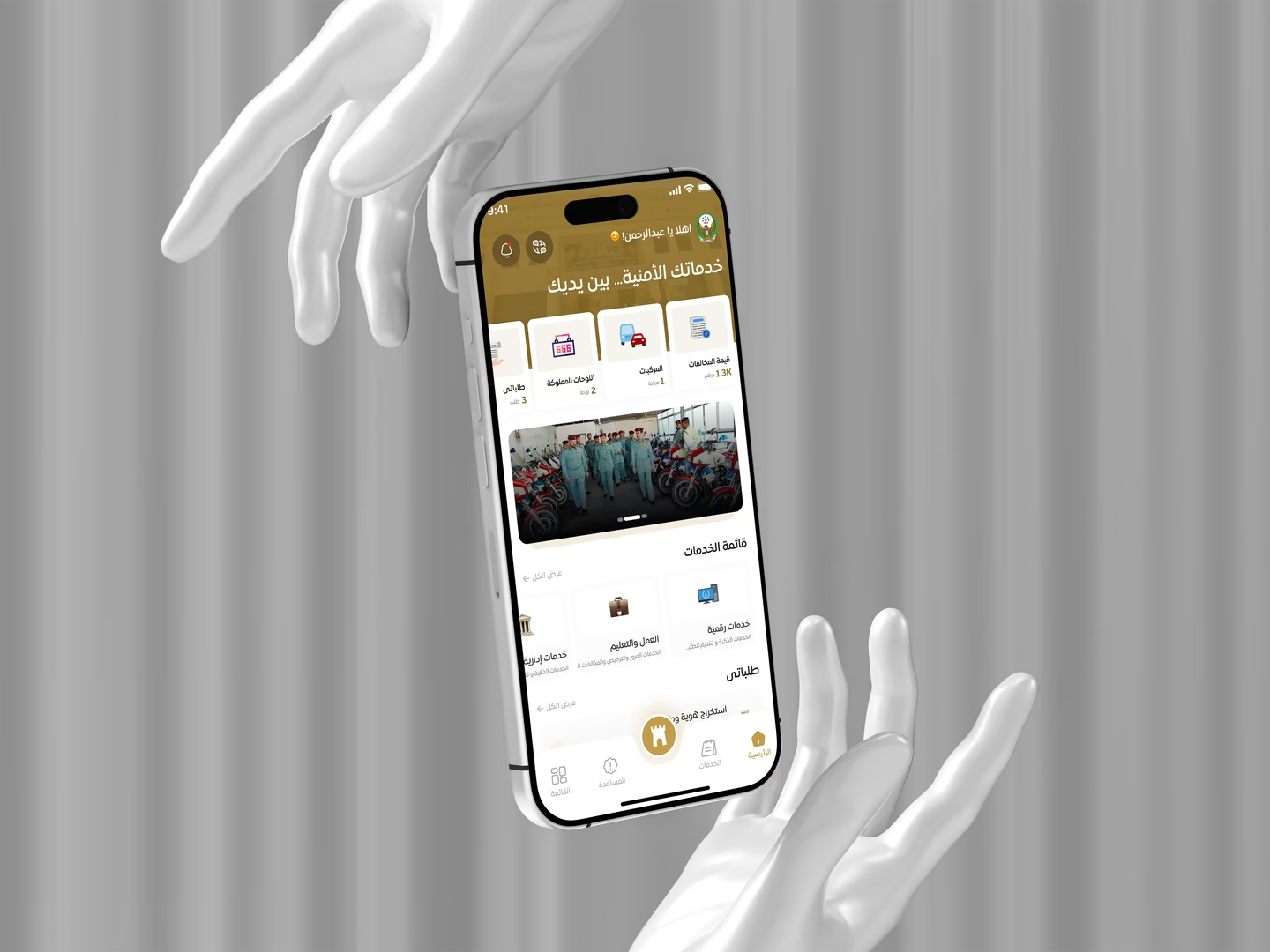
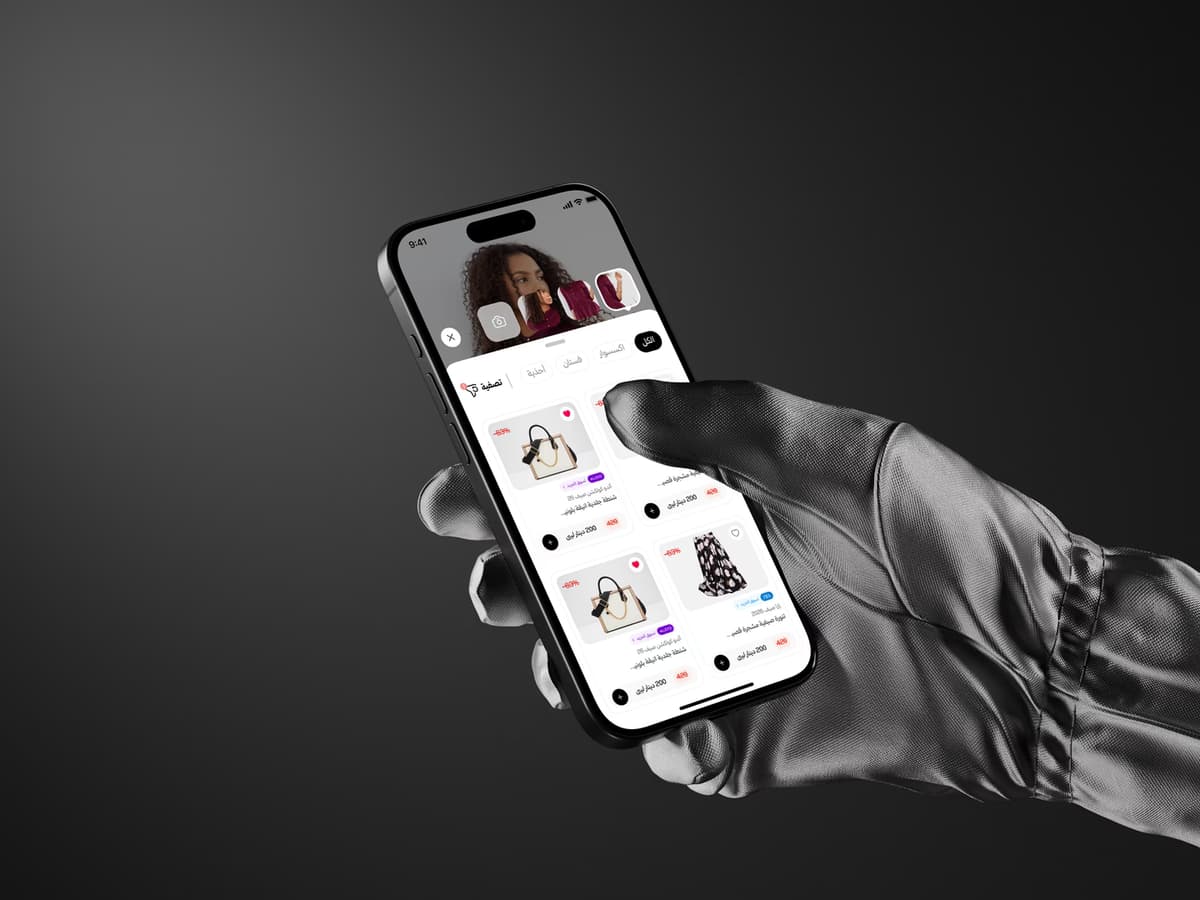
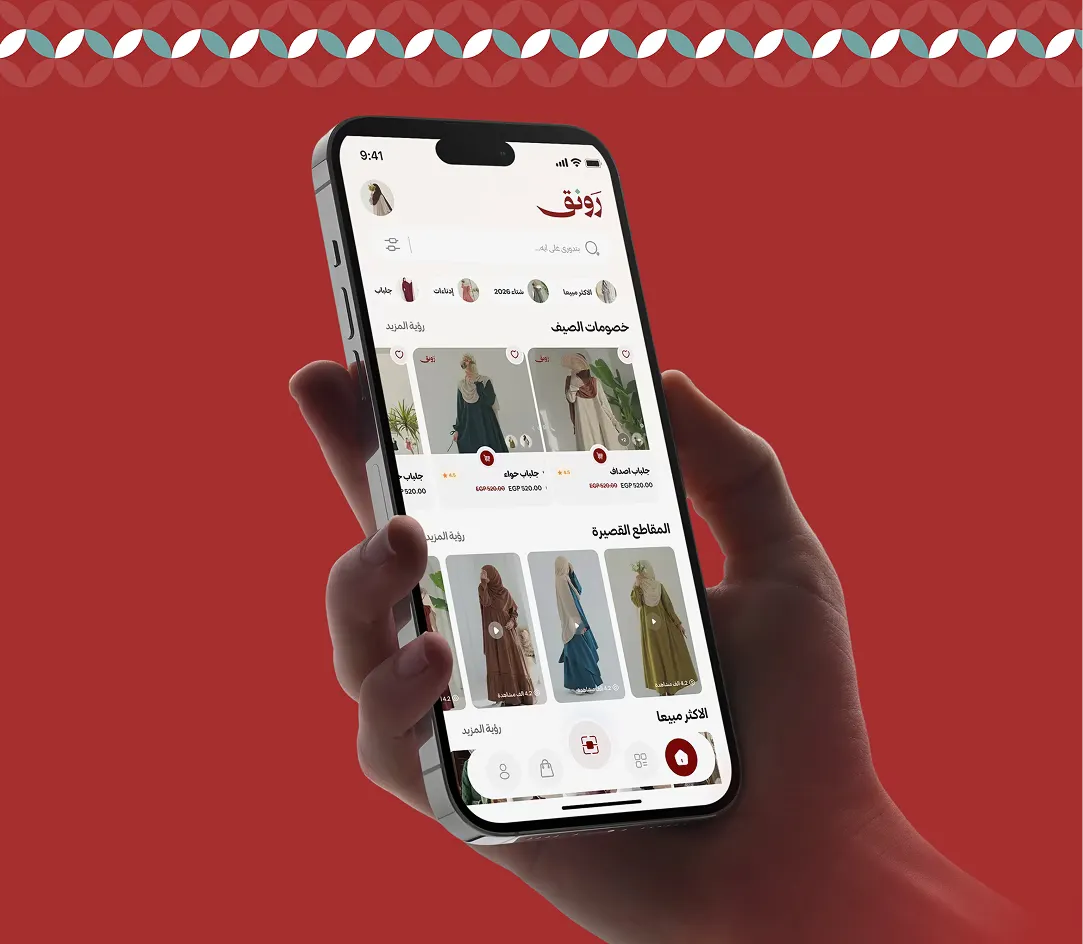
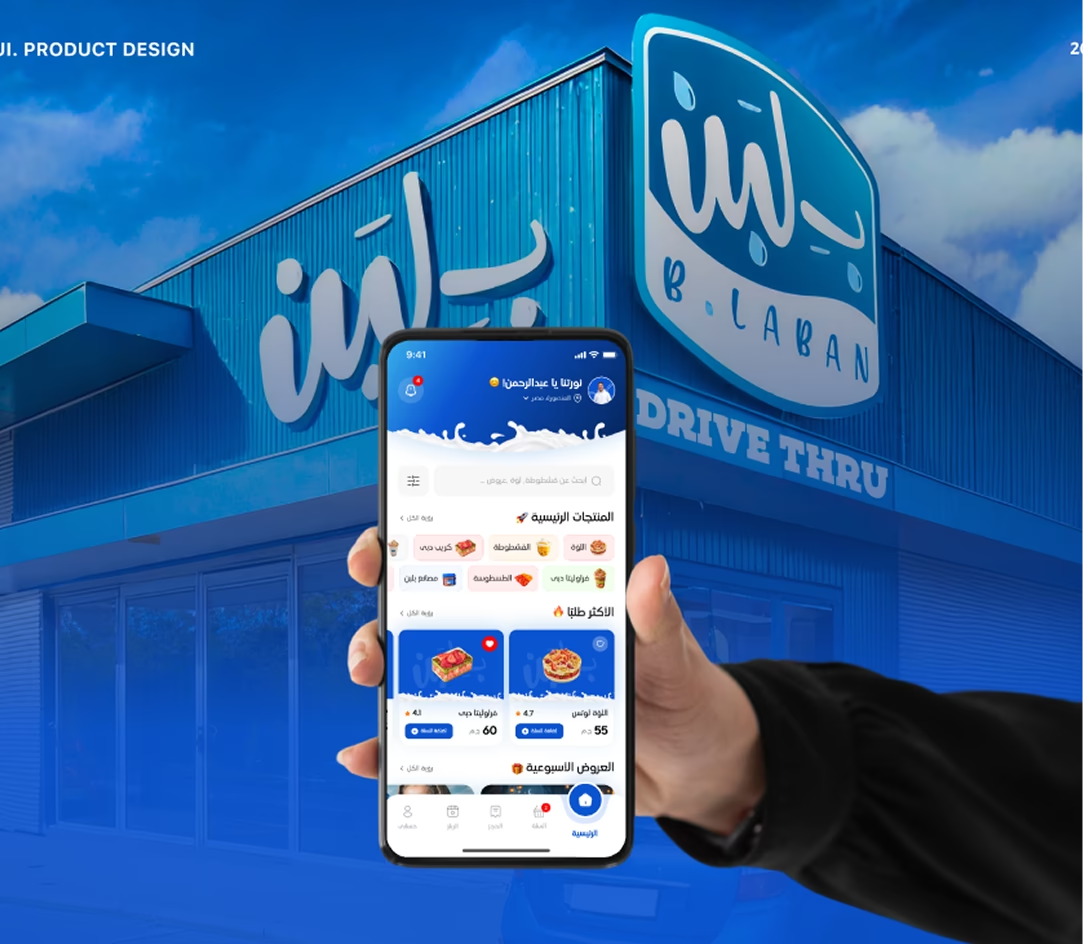
Sleek app interfaces with intuitive user experiences ensuring seamless navigation across the app.
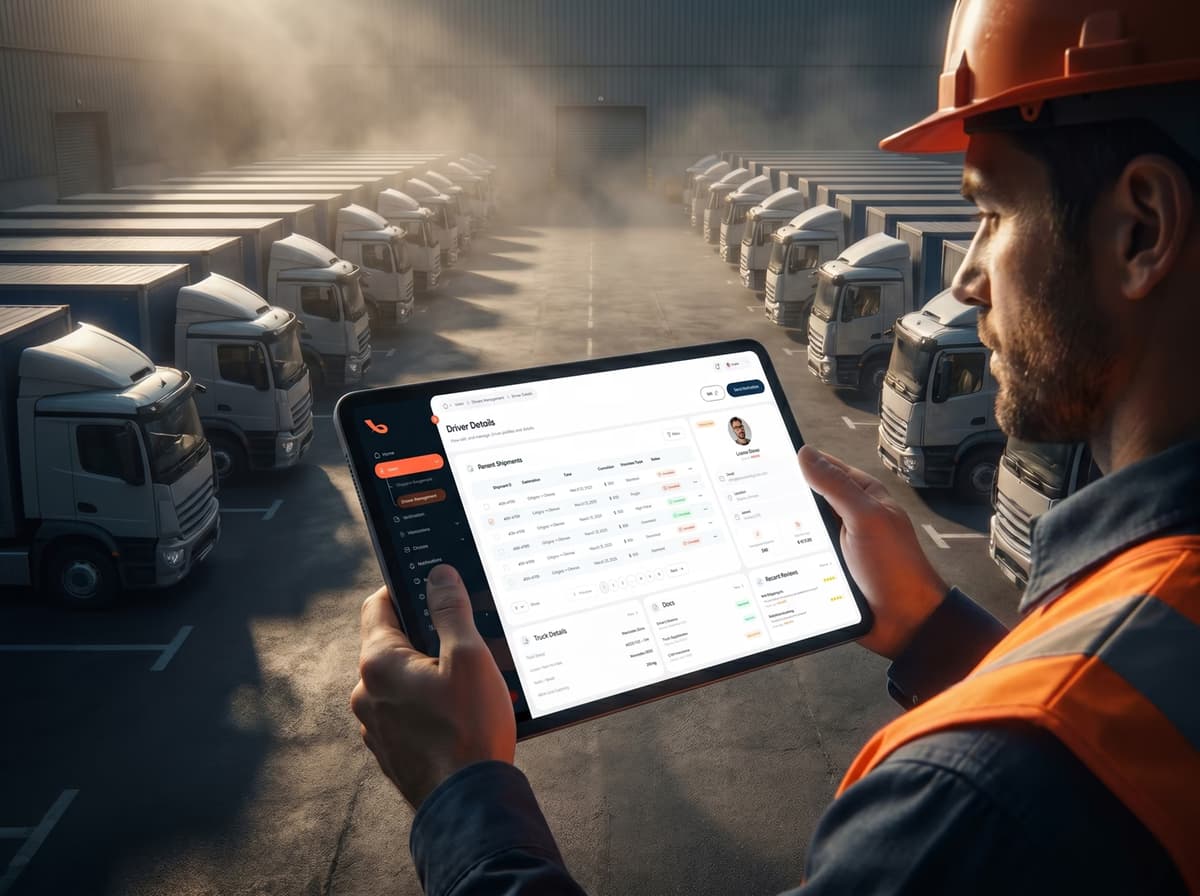
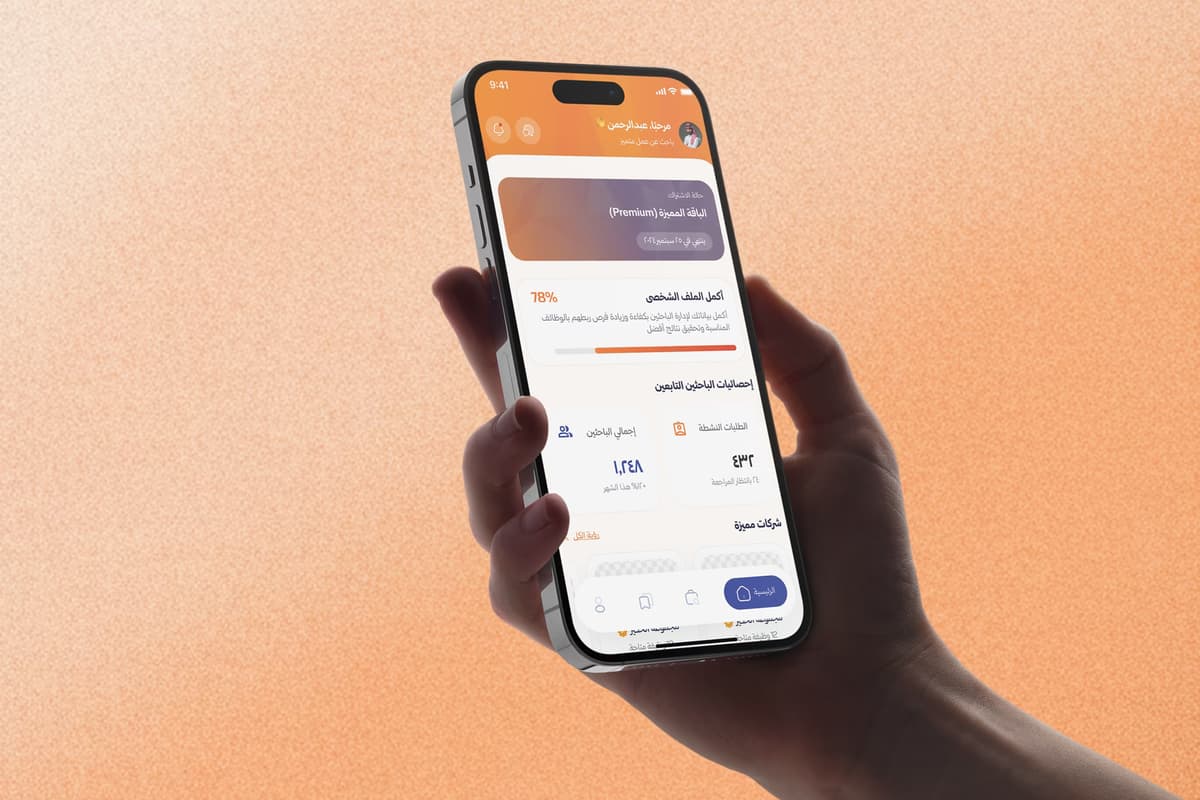
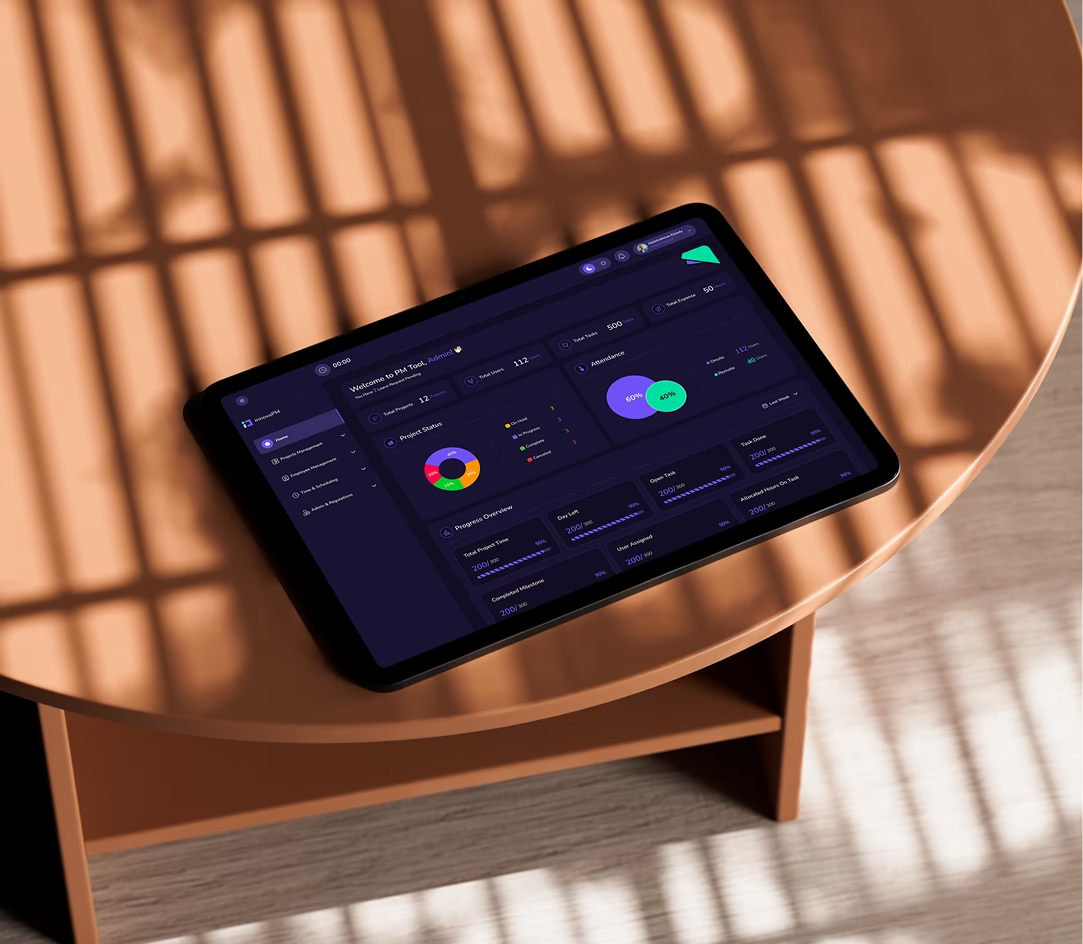
Professional control panels helping display data and metrics in a clear and organized manner.
Build full web apps direct from Figma UI
Brainstorm & organize ideas with AI help
Smart aide for creative writing & ideas
Generate pro images & graphics from text
Generate visual assets & strong elements
Convert designs to ready code using AI
Turn screenshots & ideas to editable UI
Automate design workflow and boost flow
We merge these tools into our workflow to speed production up and maintain top quality.


Book a 30-min call to discuss your project and next steps.
Message us directly on WhatsApp for a quick reply and to discuss your idea.
Have any other questions?
Client satisfaction rate
Of clients return for more work
I saw the work, and it was excellent, God bless it! 👏 The coordination team truly understands the details and works professionally from start to finish. Everything was clear and organized, and the interaction was very comfortable. Even before the project was finished, the picture was very clear. Thank you so much for the high-quality work!
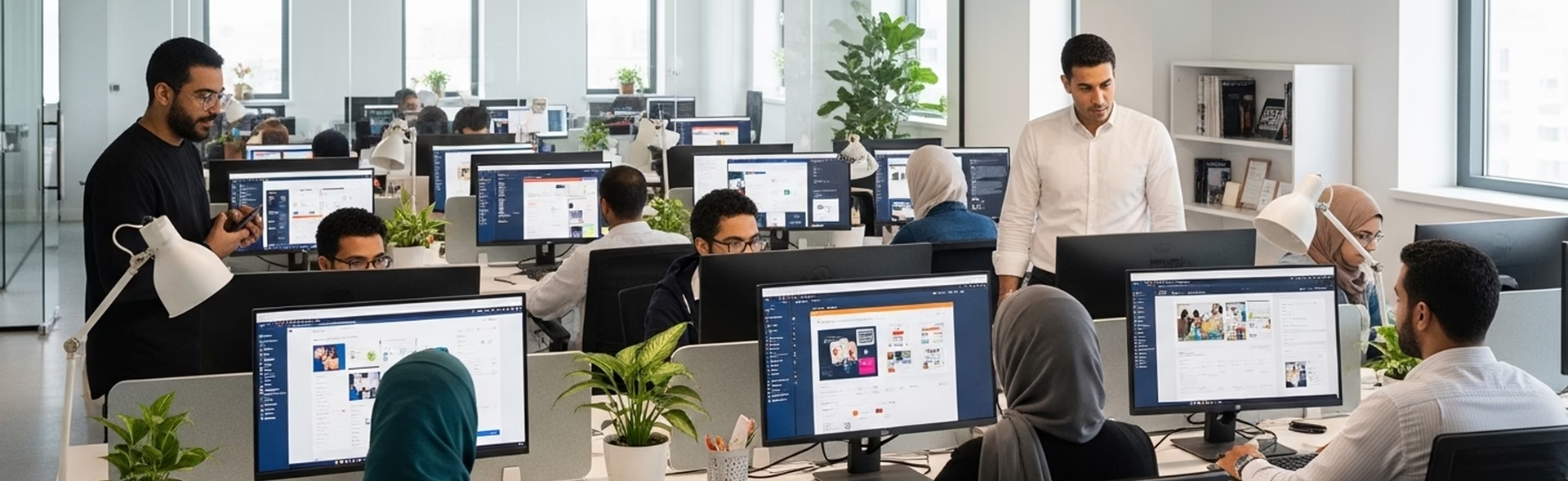
We execute design projects swiftly and professionally through an expert team acting as an extension of yours, using the latest design tools and AI.


Has it ever happened to you that you were engrossed in reading something on a website, and suddenly an ad popped up on the side, grabbing your attention and distracting you? And no matter how hard you tried to ignore it, your eyes kept going to it automatically! 👀 This is exactly what our second rule today is about in the book "100 Things Every Designer Needs to Know About People" 💙, which we're still exploring in the first chapter, "How People See." 📌 Rule #2: Peripheral Vision Is Used More Than Central Vision To Understand The Essence of What You See! Which states the following 👇🏻 As humans, we have two types of vision: central vision and peripheral vision. Central vision is what we use when we look directly at things and see details, while peripheral vision is for seeing the rest of the visual field (the areas you see in the periphery of your field of vision without looking directly at them). The importance of central vision is that it helps us identify specific objects, while the importance of peripheral vision lies in its ability to help us understand the world around us and gather information about the type of scene we are looking at. 👌🏻 Here, you must know, while designing your product, that people use peripheral vision when looking at a computer or phone screen. They usually grasp the essence of the content and decide on the topic of the page based on a quick glance through their peripheral vision. This doesn't mean ignoring the center of the screen, as it is important for central vision, but rather not ignoring what appears in the peripheral vision of users. 😊 So always make sure that The information and content in peripheral vision clarifies the purpose of the page and the product as a whole. If you want users to focus on a specific element on the screen, completely avoid placing any moving or flashing elements in their peripheral vision, as they will immediately notice them and their gaze will be drawn to them. 👌🏻 Finally, stay tuned for the next rule; each rule brings us closer to a deeper understanding of the user. 💡✨ #100_Things_Every_Designer_Needs_to_Know_About_People_in_Arabic #uiuxdesign #Psychology
For months, we shared this journey together through the first chapter of the book "100 Things Every Designer Needs to Know About People"...💡 It was titled "How People See," and through it, we learned how people see, understand, and interact with the world around us. This is because "sight" is the strongest of all the senses, and half of our brain's resources are dedicated solely to receiving and interpreting what we see. That's why it was important to understand more about how people see and interact with the world around us, so we can design experiences that are closer to reality and to the users...👌🏻